WHF
Local dictation for the Mac. Hold the right Option key, speak, and the text types itself wherever your cursor is.
Wispr Flow–style dictation, private and offline, built on whisper.cpp. It transcribes at every pause and types as you speak.
Built with
Python · whisper.cpp · pynput · PyObjC
What it is
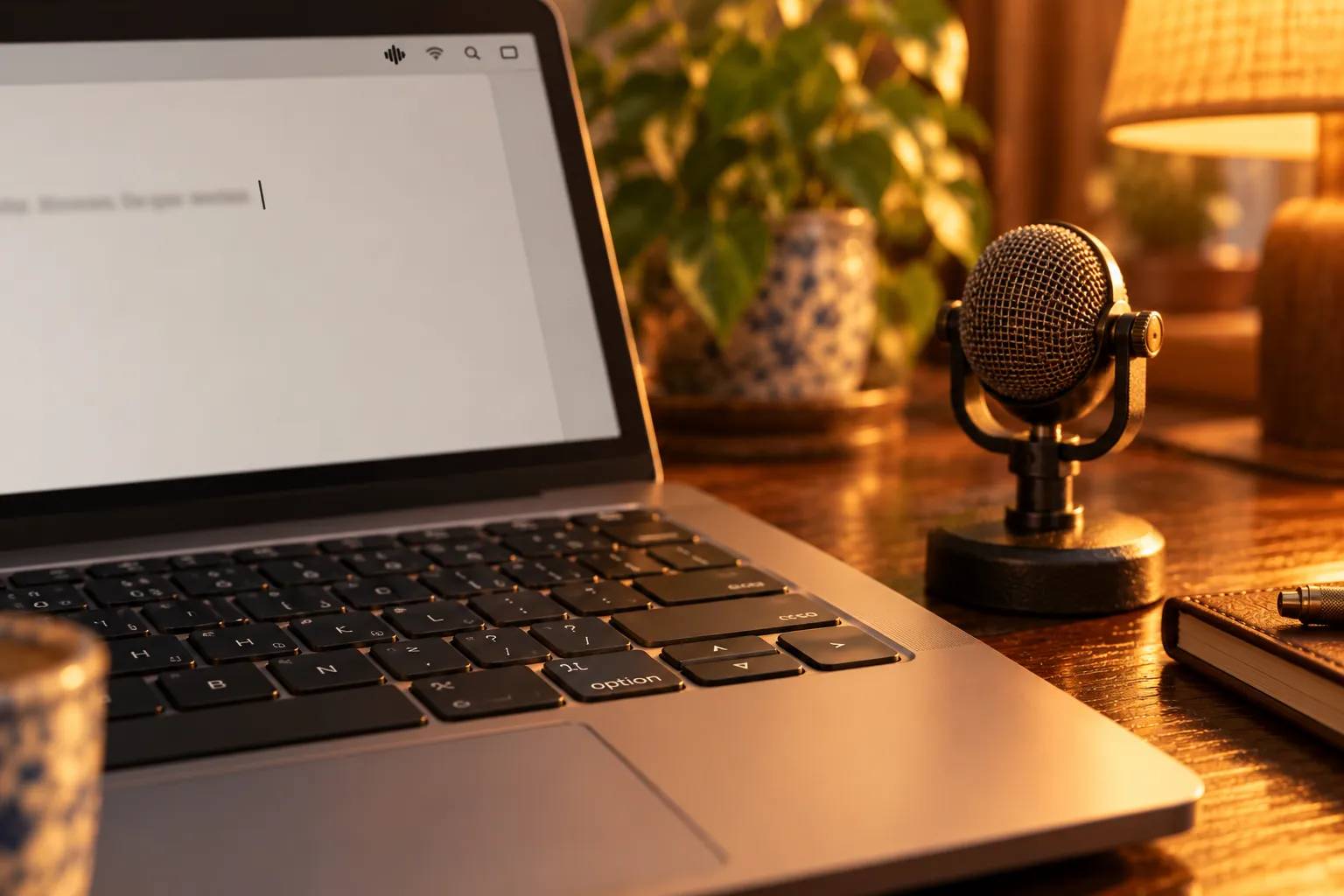
Hold the right ⌥ key and talk. The text appears live, at the cursor, in whatever app you're writing in. Let go to stop. No windows: the text shows up where you're already looking.
Nothing leaves the Mac.
How it works
Whisper transcribes in chunks at each pause, and each chunk is typed straight away. Typing goes through Quartz with its own event source, so the ⌥ you're holding doesn't combine with the keys. Since the text is typed as you go, there's no AI cleanup afterwards: Whisper punctuates on its own.
A personal dictionary nudges the spelling of names and words it would otherwise miss. WHF starts at login, with a waveform icon in the menu bar, and ships as a tiny installer that sets everything up on another Mac.
- Python · whisper.cpp
- pynput · PyObjC (Quartz, AppKit)
- Apple Silicon and Intel
Development
Version 1.0.
Installer DMGs for Apple Silicon and Intel Macs.